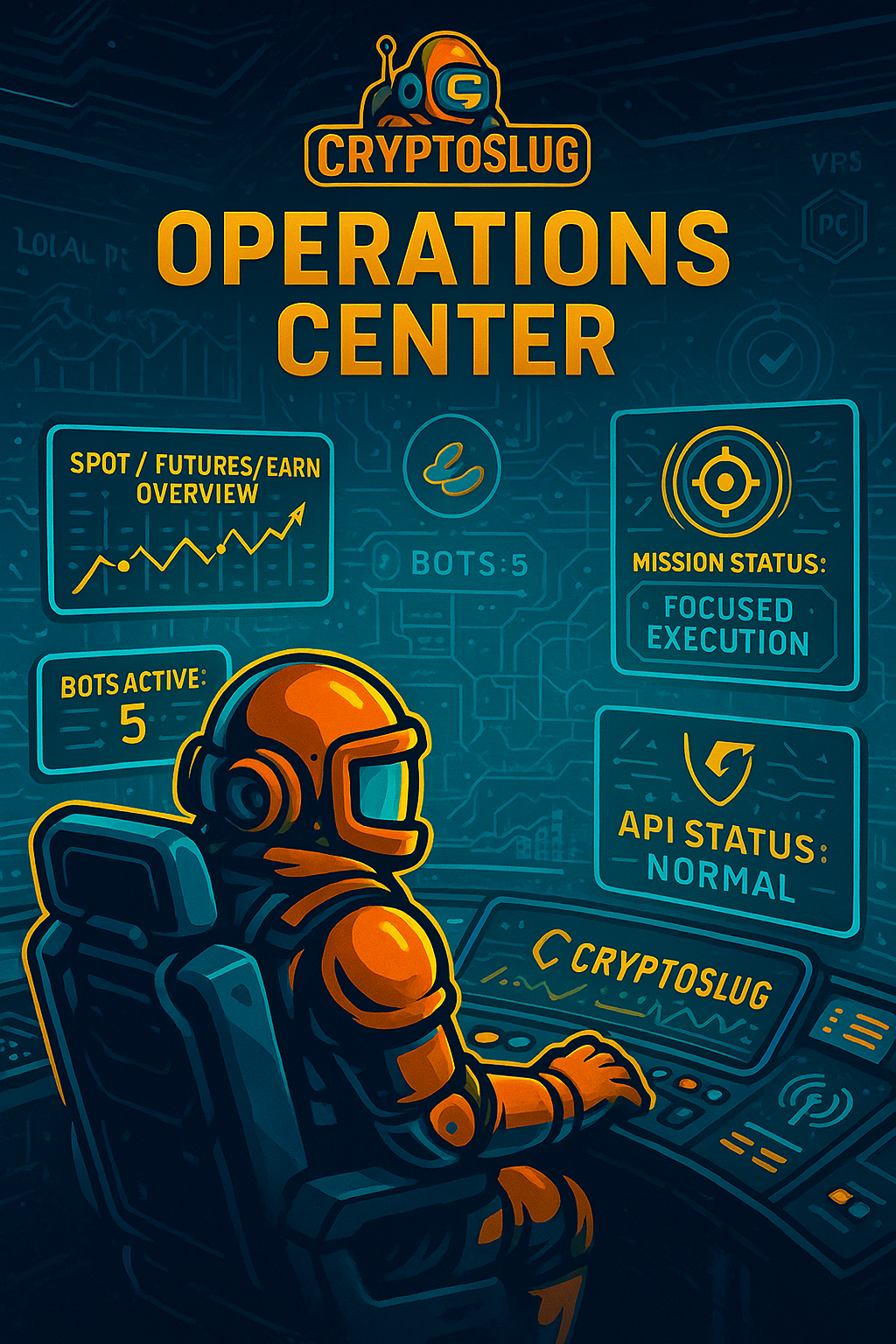
1. Why an operations center 🔍
The cryptocurrency market never closes; prices and opportunities arise at any time. Automation becomes essential to react quickly and reduce emotion. That's where Gunbot comes in: a bot with lifetime access, installed on your machine, that keeps your keys private and allows you to trade spot, futures and DeFi on dozens of exchanges.
This combination — automation, built‑in strategies, community and support — becomes the foundation of the ecosystem.
📌 Important note: If you don't have a control tower, you're flying blind. The Operations Center exists so you don't get lost in a sea of bots, pairs and markets.
2. What you'll find in the Operations Center 🧭
This page brings everything together in a helicopter view. You don't need to click to see live data; it's a static snapshot that shows:
- Exposures: current distributions among Spot, Futures and Earn, with clear subtotals.
- Active bots: how many bots are running, which strategies they use and how difficult they are to manage.
- Telemetry: cycle times, API call limits and engine status.
- Infrastructure: where the bots run (main VPS and local PC) and best practice suggestions.
- Health & upgrades: progress bars for bots, monitoring and infrastructure, and a list of pending improvements.
With these blocks, you know exactly where you are and where you can go next.
3. Technical and tactical view 🧠
The first card summarises the operator's goals:
- 🎯 Discipline & risk: the account is in defensive mode and focuses on a few positions.
- 🤖 Stable bots: uses tested strategies with a controlled number of pairs.
- 🪖 Production profile: the focus is on disciplined execution, no improvisation.
Beside it, a snapshot shows how many bots are active, how many pairs there are and whether any exchange requires attention. It's your pre‑battle checklist.
4. Account status: Spot, Futures and Earn 📊
Here you'll see three coloured donuts:
- Spot – the portion dedicated to major coins, without leverage. Knowing what percentage is in Core, Alts and Stablecoins helps you keep a solid base.
- Futures – the portion of capital in leveraged contracts. The chart distinguishes longs and shorts, allowing you to balance directions.
- Earn – the amount placed in yield products (flexible, locked and staking). It serves as an airbag to cushion volatility and enhance gains.
“View composition” buttons show which assets and their weights, so you can adjust according to your risk profile.
☑️ Quick tip: check these distributions regularly. If the leverage of Futures grows too much or the reserves of stablecoins shrink, it's time to recalibrate.
5. Bot stack and bots in production 🤖📈
Next, you'll find the main bot: it shows the licence used, the Gunbot version and the strategies adopted for Spot and Futures. A small telemetry panel indicates:
- ⌛ Cycle between pairs – the average time to run through all pairs.
- 📞 API rate limit – the number of calls allowed per window.
- ⚙️ Engine status – whether each engine instance is stable.
Right below, a card lists all the Gunbot instances: five active bots operating 14 pairs. Each card indicates the exchange, strategy, timeframe and difficulty (from 1 to 5). This lets you quickly see whether you have basic, intermediate or advanced/aggressive bots.
6. Monitoring and infrastructure 🛠️
This section explains the tools you should use to monitor the setup:
- Gunbot Monitor – the web dashboard on your VPS that shows bots, pairs and PnL, and indicates if any instance is offline.
- Gunbot App – a mobile app for quick consultation when you're away from the PC.
A horizontal bar measures the balance between signal and noise: too much noise leads to hasty decisions; too much silence can hide problems. Staying in the green/yellow is the goal.
As for infrastructure, it is summarised in two nodes:
- 💻 Main VPS – with enough vCPU, RAM and SSD to run the bots.
- 🧑💻 Local PC – for testing, upgrades and auxiliary tools.
Best practice suggestions — such as separating production and test environments — complete the picture.
7. Layer status and upcoming upgrades 📊🔧
Three progress bars show the health of each layer:
- Bots & strategies – indicates whether the distribution is balanced.
- Monitoring & alerts – how close you are to the target monitoring level.
- Infrastructure & VPS – whether you have room to scale.
An upgrade list reminds you of what still needs to be done:
- Add new bots.
- Review the VPS specifications.
- Maintain a separate area for tests.
It's your to-do list for the next phase.
8. Role in the CryptoSlug ecosystem 🌐
The Operations Center was designed to be a mirror of the CryptoSlug setup. It isn't interactive or dynamic; it's a static page that visually consolidates the main metrics of your trading. Even so, it reinforces the core values of the project:
- Train – understand the metrics and what they mean.
- Build – assemble solid bots and infrastructures.
- Execute – act safely within established limits.
By combining these dimensions with a helicopter view of the setup, CryptoSlug strengthens the community and provides a point of reference for evolving with confidence. It's your control tower on the crypto battlefield.