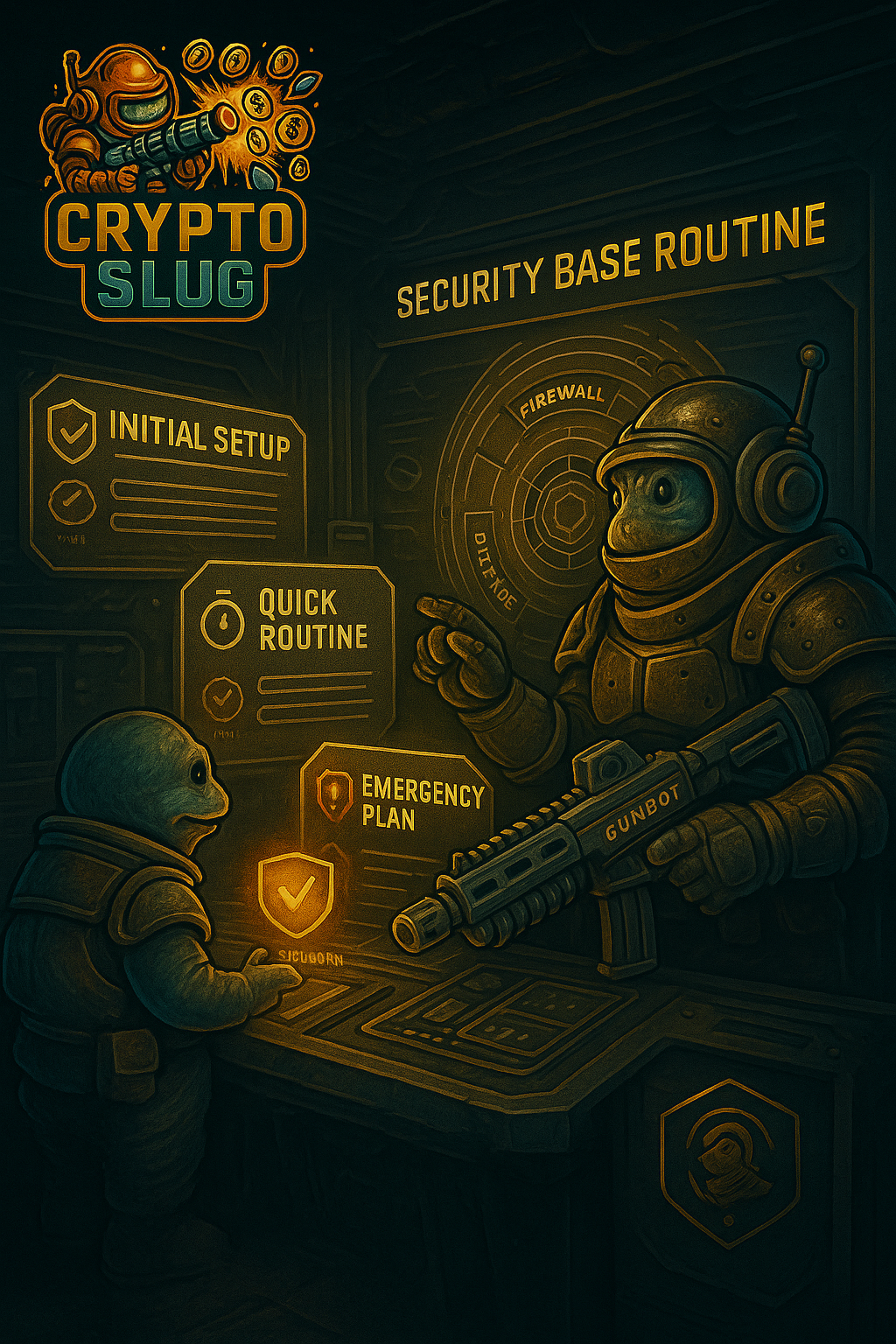
1. Why you need a security routine 🧱🛡️
When you start investing with discipline — Hodler, monthly contributions, risk management — you show up on a new kind of radar:
It’s not only price that can knock you out of the game. A security mistake can too.
Typical examples:
- 🔑 Weak password reused across several sites.
- 📬 E-mail exposed in data breaches and reused for attacks.
- 📱 2FA missing or only via SMS.
- 🧲 Clicking a “support”, “promo” or “airdrop” link and handing over credentials.
- 💻 Using devices full of shady software, random extensions and pirated files.
The goal of this article is not to create paranoia. It’s to give you a minimal structure to:
- ⬇️ Reduce the probability of problems.
- ⏱️ Increase your reaction time if something happens.
2. Security principles for crypto investors 🧠
2.1. The weak point is you, not the exchange
Even on a large exchange with dedicated security teams, the easiest entry point is usually:
- 🔓 Reused or predictable password.
- 📂 E-mail caught in leaks from other services.
- 🚫 Missing 2FA or poorly configured 2FA.
- 🔗 Clicking links just because they “look” official.
Many problems start outside the blockchain.
2.2. Security exists to buy time ⏳
Absolute protection doesn’t exist. The role of security is to:
- 💸 Make an attack expensive/difficult enough that it’s not worth it.
- ⏰ Give you time to notice something is wrong and act.
Every extra layer — 2FA, whitelist, notifications, device review — is time you gain.
2.3. There is no serious investment plan without a security plan ⚖️
In the Risk management for Hodlers articles we talked about:
- 📊 Exposure.
- 📉 Drawdown.
- 🧺 Portfolio model (BTC/ETH, altcoins, stablecoins).
Without a minimal technical security baseline, that plan can vanish because of a single mistake: a weak password, a compromised e-mail, a careless login on some random PC. It’s like keeping 100 € notes in an unlocked door.
3. Block 1 — Initial security setup (do it well once) 🧰
This is the block you do once, calmly, and then only revisit when it makes sense.
3.1. A serious e-mail for serious things 📧
Ideally:
- 📨 Use an e-mail dedicated to investing / exchanges, different from the one you use for everything else.
- 🛡️ Turn on 2FA on this e-mail (TOTP app, not just SMS).
- 🚫 Avoid using this address on random or low-credibility websites.
If someone gets into this e-mail, many password reset flows go through it.
3.2. Passwords: the obvious base almost everyone ignores 🔒
For your main exchange account:
- 📏 Long password (at least 14+ characters).
- 🧬 Unique (not reused on any other site).
- 🧰 Ideally generated by a password manager (Bitwarden, 1Password, etc.).
Avoid predictable patterns: birthdays, family names, Bitcoin123, and similar. ❌
3.3. 2FA via app (TOTP), not just SMS 📱
Turn on 2FA on your exchange account, but do it the right way:
- 📲 Prefer TOTP apps (Google Authenticator, Authy, Aegis, etc.).
- 🧾 Store the backup code / seed safely (paper in a controlled place or encrypted file).
- 📡 Use SMS, if you want, as an extra layer — not as the only factor.
When your balance grows, 2FA stops being optional.
3.4. Anti-phishing code 🕵️♂️
Many exchanges let you configure an anti-phishing code:
- It’s a small word/code that appears in all official e-mails from the platform.
- Example:
SLUG-ALPHA🐌
Practical rule:
- 📬 If you receive an e-mail “from the exchange” without that code → assume it’s suspicious.
- 🔐 Never enter credentials or click sensitive links if that code is missing.
3.5. Withdrawal address whitelist (when it makes sense) 📤
If you already have:
- 💼 A personal wallet (hardware/software).
- 🏷️ Addresses you control and use regularly.
You can, on the exchange, enable a withdrawal address whitelist:
- 🔒 Only allows withdrawals to pre-approved addresses.
- ⏳ Changing this whitelist usually requires strong 2FA and a waiting period.
Even if someone logs into your account, this layer can greatly limit the damage.
3.6. Devices and sessions 💻
A few simple rules:
- 🧼 Keep your main PC / phone reasonably clean: up-to-date software, no random pirated programs, be careful with browser extensions.
- 🖥️ On your exchange account: regularly review the list of logged-in devices and remove old ones.
- 📲 Turn on notifications for new logins / new devices.
3.7. API keys: what they are and how to use them safely 🔐🔗
On many exchanges you’ll find a section called API.
What is an API?
API means Application Programming Interface.
In practice, it’s a set of controlled access points that let other applications
talk to your account.
Examples of API key usage:
- 📊 Portfolio monitoring apps.
- 📚 Tools that analyse your trade history.
- 🧾 Accounting/tax helper software for crypto.
To do that, you create an API key (public key) and a secret (private key) on the exchange and enter those details in the external app.
Good security practices for APIs:
- 1️⃣ Only create keys when you really need them.
If you don’t need to connect external apps to your account, don’t create any keys. - 2️⃣ Minimal permissions.
If the app only needs to read balance and history, use read-only keys. Avoid enabling actions you won’t actually use. - 3️⃣ Never enable withdrawal permission.
In most cases, external apps do not need to move funds. - 4️⃣ Store key and secret safely.
Don’t send them by e-mail, random messages or loose screenshots. Treat the secret like a password. - 5️⃣ Delete keys you no longer use.
Fewer old keys = smaller attack surface. - 6️⃣ React quickly if you suspect a problem.
If you notice strange behaviour in an external app, immediately delete the relevant API key on the exchange and review permissions.
Think of APIs as “side doors” to your account: you only open what you need, with the right lock, and you close it as soon as you no longer need it. 🚪
4. Block 2 — Quick security routine (weekly or bi-weekly) ⏱️
To work, security has to fit into your everyday life. A realistic routine can be 2 to 5 minutes, once a week or every 15 days.
Quick checklist:
- 🛰️ Logins and devices: any logins from locations you don’t recognise? Any device that isn’t yours?
- 💹 Balance movements and trades: any withdrawal you didn’t trigger? Any trade completely outside your pattern?
- 📨 E-mails and notifications: did you get “security” or “alert” e-mails that don’t make sense? Any new login / failed login alerts you don’t recognise?
- 🔏 API keys (if you have any active): are you still actually using all apps connected to your account? Any keys that should have been deleted?
If something doesn’t add up, it’s not for “checking later”. It’s something to handle on the spot. ⚠️
5. Block 3 — Monthly review (security checkup) 📅
Once a month you can align this review with other War Log routines:
- 🪙 When you review your Hodler plan + monthly contributions.
- 📊 When you look at your risk management (exposure, portfolio model, stablecoin airbag).
Include in the checkup:
- 💻 Authorised devices: old PCs/phones? Remove. Open sessions you no longer use? Close.
- 🔐 Permissions and API keys: any active keys that no longer make sense? Any excessive permissions?
- 📢 Security notifications: confirm you have alerts for logins, new devices and withdrawals turned on.
- 🧠 Habit review: still clicking on every “promo” or “support” link on social media? Accessing exchanges via public Wi-Fi with no extra care?
6. Simple plan to react in the first 24 hours 🚨
Layers of security help, but they’re not enough on their own. You also need a response plan if, one day, something is off.
Warning signs:
- 🔔 Login notifications that weren’t you.
- 💸 Balance movements you don’t recognise.
- 📉 Unexpected trades in your account.
- 📧 Password reset e-mails you didn’t request.
24-hour plan:
- 1️⃣ Freeze the damage
Change your exchange and associated e-mail passwords, revoke unknown sessions/devices, delete or disable suspicious API keys. - 2️⃣ Rebuild the authentication base
Confirm 2FA is active only on your devices and update backup codes if it makes sense. - 3️⃣ Move what you can still protect
If you still have funds under your control, you can move a critical part to wallets where only you have access. - 4️⃣ Contact the exchange’s support
Open a ticket with as much detail as possible (dates, times, amounts, screenshots) and follow the recommended steps. - 5️⃣ Log the incident in your War Log
What happened, how you found out, what you will change going forward.
7. How this routine talks to other War Log articles 📚
This security routine lives on top of other War Log pillars:
- 🪙 With the Basic Hodler and monthly contributions, you define how you’ll build position over time.
- 💧 With Stablecoins, you understand the role of liquidity and breathing room.
- 🏦 With Exchange vs Wallet, you understand who holds custody and what risks each side carries.
- 📈 With APR vs APY, you learn to distrust unrealistic yield promises.
- 🧱 With Risk management for Hodlers, you define how much exposure you accept and how you handle drawdowns.
The security routine is what stops all that work being destroyed by:
- 🖱️ One bad click.
- 🔑 One weak password.
- 💤 One never-reviewed account.
If you’re thinking of moving to more advanced levels — automation, dashboards, integrations — this routine stops being “detail” and becomes foundation. 🧱
8. Security routine checklist (to keep) ✅
Initial setup (once):
- ✅ Dedicated e-mail for exchanges, with 2FA enabled.
- ✅ Strong, unique exchange password, stored in a password manager.
- ✅ 2FA via app (TOTP), not just SMS.
- ✅ Anti-phishing code configured.
- ✅ Withdrawal whitelist (if it makes sense for you).
- ✅ Devices reviewed (only what you actually use).
- ✅ API keys only when necessary, with minimal permissions.
Quick routine (weekly/bi-weekly):
- 🛰️ Review logins and devices.
- 💹 Check for strange balance movements or trades.
- 📨 Quick scan of “security” e-mails and alerts.
- 🔏 Review active API keys (if any).
Response plan (if something is wrong):
- 🚨 I know how to change passwords and revoke sessions quickly.
- 🚨 I know how to delete suspicious API keys.
- 🚨 I know how to contact exchange support.
- 🚨 I know how to protect part of the balance in wallets I fully control.
Security doesn’t show up in screenshots, but it decides who survives into the next cycle. You don’t need to become a “professional paranoid” — you just need a decent setup, a light routine and a response plan.